Showcase Co. logo

Showcase Co.

Every custom page section, in one brand

CUSTOM PAGES - COMPONENT SHOWCASE

Every section a custom page can hold, on one page

This is the Hero section (Custom Page: Hero, Informative). It holds an eyebrow, heading, subheading, rich body text, trust points, buttons and an optional location picker card.

Layouts: text left, text right, or centered. When the location picker is off, the side column shows an image instead.

  • Anchor ID on every section - buttons link with #anchor
  • Hide any section without deleting it
  • Prices always come from Billing, never from Sanity
  • One page audience, per-section location overrides

Hero location picker: pick an address to open the product page

Fields marked with an are required

Footnote: optional small print under the picker.

HERO - LAYOUT 2 OF 3

Hero: Text right

This is the Hero section (Custom Page: Hero, Informative). It holds an eyebrow, heading, subheading, rich body text, trust points, buttons and an optional location picker card.

Layouts: text left, text right, or centered. When the location picker is off, the side column shows an image instead.

  • Anchor ID on every section - buttons link with #anchor
  • Hide any section without deleting it
  • Prices always come from Billing, never from Sanity
  • One page audience, per-section location overrides

HERO - LAYOUT 3 OF 3

Hero: Centered

This is the Hero section (Custom Page: Hero, Informative). It holds an eyebrow, heading, subheading, rich body text, trust points, buttons and an optional location picker card.

Layouts: text left, text right, or centered. When the location picker is off, the side column shows an image instead.

  • Anchor ID on every section - buttons link with #anchor
  • Hide any section without deleting it
  • Prices always come from Billing, never from Sanity
  • One page audience, per-section location overrides

PAGE-LEVEL OPTIONS

What the page itself can do

This block is Custom Page: Image + Features in the Card grid layout.

URL style

URL style

/lp/<slug> (this page), /<slug> for top-level pages, or /<group>/<slug> for a page group such as /demosite-nyc/partner.

Campaign

Campaign

One Billing campaign for the whole page (CAMP_1790673404699 here). Every purchase section uses it unless it pins its own.

Partner organisations and locations

Partner organisations and locations

Show the page on their Admin Pages tab and credit leads from it to them.

Audience

Audience

Exact locations, organisations, or a place query. One location (this page) renders directly; several show a location picker first.

Location from the URL

Location from the URL

?location=<ExternalKey> pre-selects the location. The location cards' Select button uses it via Featured Product URL.

Header and footer

Header and footer

Each can be shown or hidden. Both are on here, so the page matches the main site.

Theme

Theme

10 optional colours plus a logo. Blank (this page) means the Anytime defaults.

SEO

SEO

Title and description for search engines and link previews.

Purchase rules

Purchase rules

Direct links to cart or checkout are blocked: buyers must pick a location in a purchase section.

Approval

Approval

Pages publish through the CUSTOMPAGE change-request flow.

What every section can do

Custom Page: Image + Features in the Column row layout.

Anchor ID

All 29 section types. Buttons link with #anchor - try the Back to top links.

Hide

All 29 section types. The next section on this page is hidden, so you will not see it.

Background and photo

Custom sections: none, white, light, dark, theme primary or a custom colour, plus a faded photo.

Spacing, notch, alignment

Custom sections: vertical spacing none to lg, a top notch, heading left or center.

Buttons and locations

Custom sections: buttons (path, URL or #anchor) and per-section locations.

Order Panel

Fields marked with an are required

Checkout Form: plans = its own plan + every bundle linked on the page

Location
Contact Information
Already a user?
Select Product

Pick your location above to see plans and prices.

Billing Information
Payment Information
SummaryFor more details, fill the form

Choose a location to see plans and prices

Fields marked with an are required

PRODUCT

Plan Comparison

Up to 4 bundle columns against feature rows. Prices and savings come from the database; badges and a mobile card view are built in.

Growth

Contact for pricing

  • Manhattan business address
  • Mail scanning and forwarding
  • Business Accelerator toolkit

Office

Contact for pricing

  • Manhattan business address
  • Mail scanning and forwarding
  • Local virtual phone number

PRODUCT

Plan Cards

Up to 4 pricing cards with check / cross feature lists. The one exception to 'prices come from Billing': the price text here is typed in by hand.

Virtual Mailbox

$9.99/mo

GET STARTED
  • Virtual Mailbox
  • Virtual Phone Number (not included)
  • Business Accelerator (not included)

BEST VALUE

Anytime Connect

$29.99/mo

Save 14%

GET STARTED
  • Virtual Mailbox
  • Virtual Phone Number
  • Business Accelerator (not included)

Anytime Growth

$34.99/mo

Save 36%

GET STARTED
  • Virtual Mailbox
  • Virtual Phone Number
  • Business Accelerator

PRODUCT SHOWCASE - 1 OF 3

Product Showcase: Rows layout

Large image, sides alternate row by row, optional divider between rows. Set Layout = Rows. Each row: image, eyebrow, title, body, bullets.

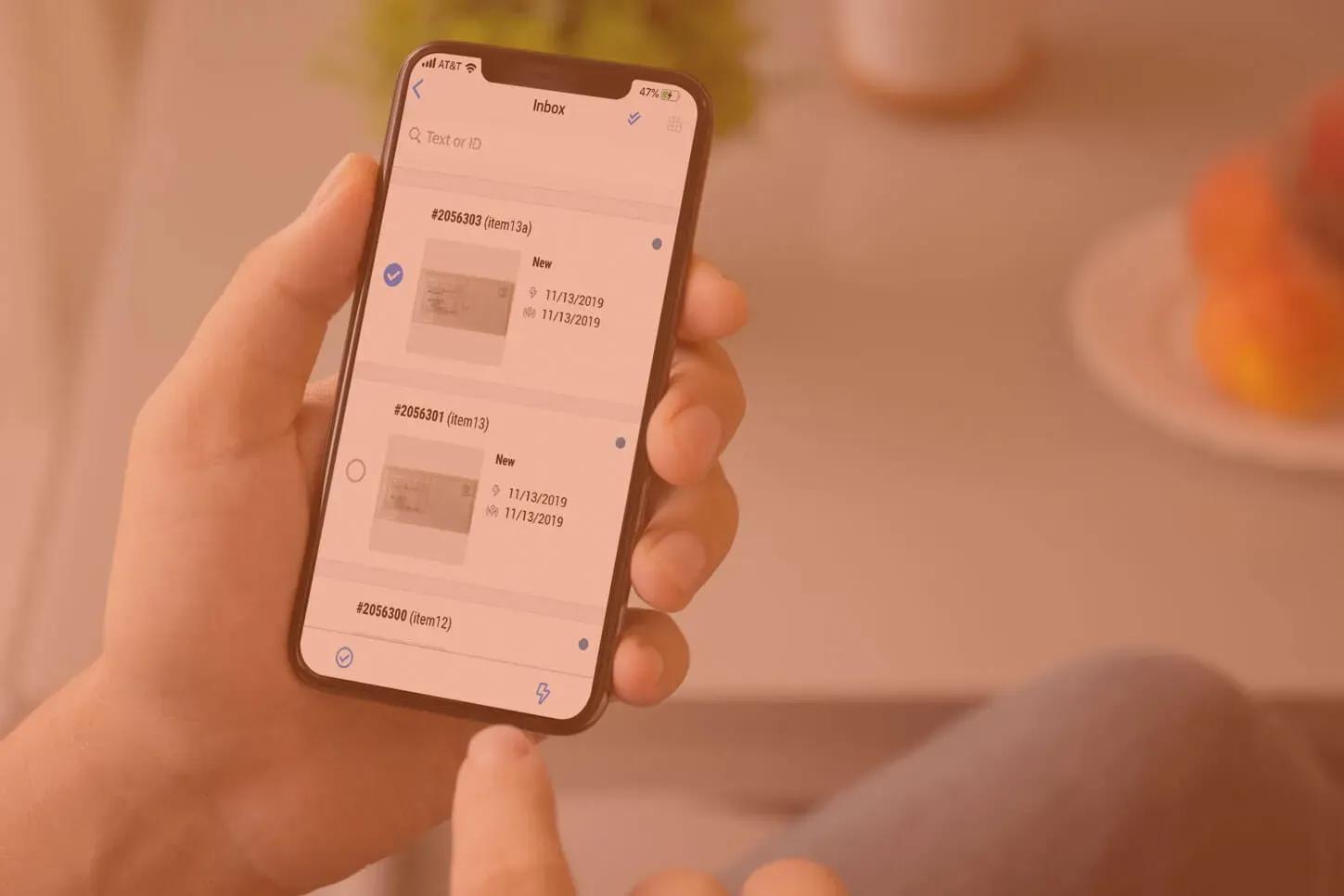
Virtual mailbox dashboard

VIRTUAL MAILBOX

A real street address

Use the address for your business, bank and shipping. Mail is received and logged the same day.

  • Real street address, not a PO box
  • Mail logged the same day
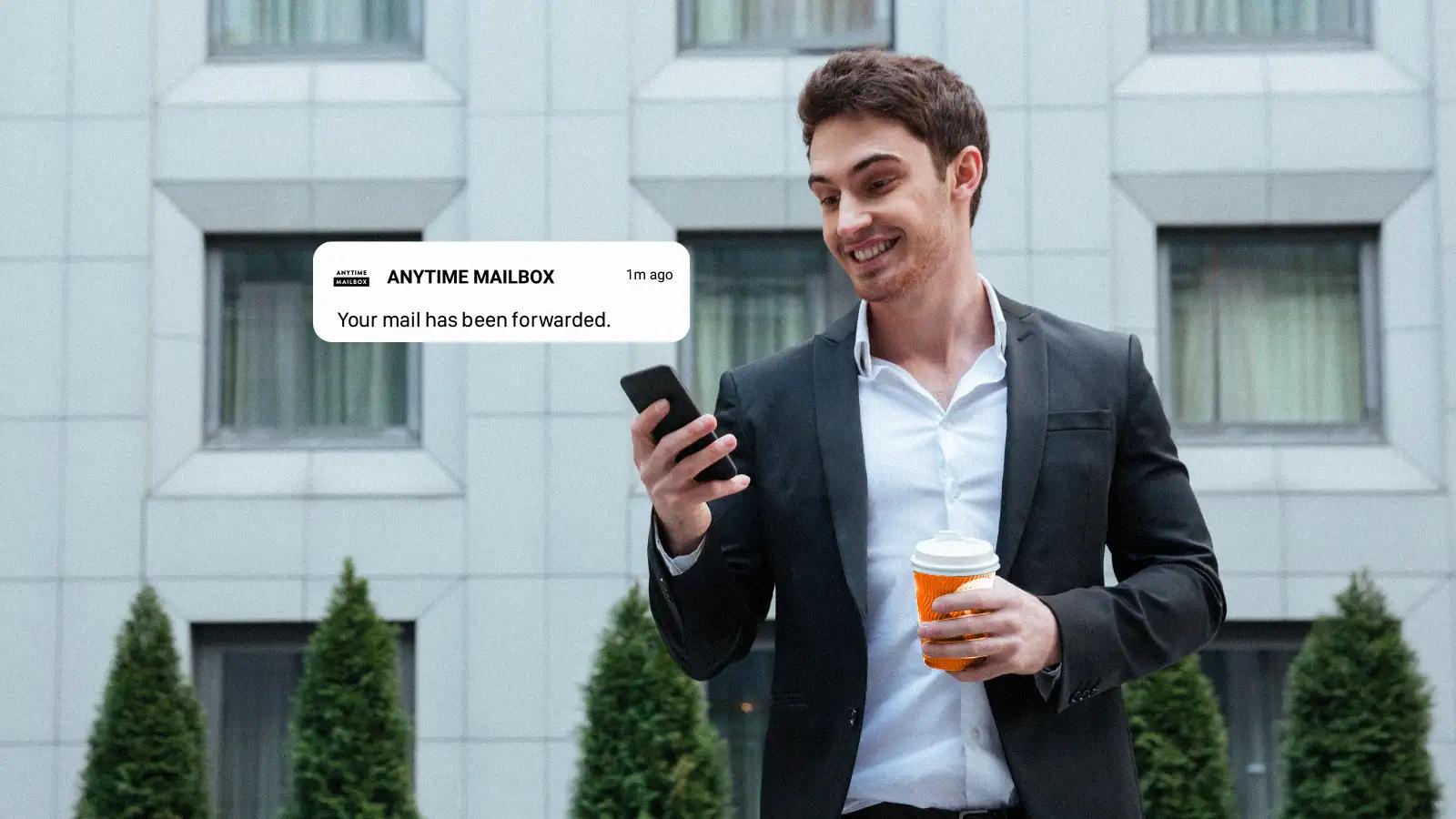
Mail being forwarded

FORWARDING

Forward mail anywhere

Ship any item to any address, in batches or one at a time.

  • Batch or one-off shipping
  • Tracking on every shipment
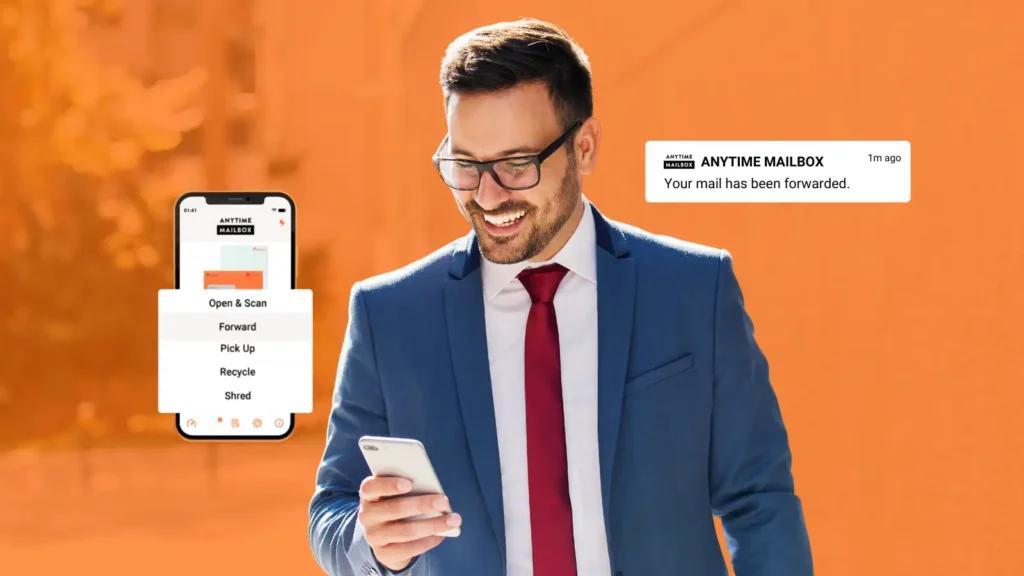
Mail forwarding service

SCANNING

Open and scan on request

Read your letters online. Request a scan and get a PDF in your dashboard.

  • Scans to PDF
  • Recycle or shred after reading

Product Showcase: Cards layout

Bordered cards, a small image on the left and check bullets. Set Layout = Cards. Good for feature summaries.

Virtual mailbox

PLAN

Virtual Mailbox

Everything to run your mail online.

  • Real street address
  • Unlimited mail notifications
  • Mobile app
What is mail forwarding

ADD-ON

Mail Forwarding

Ship mail and packages to you.

  • Any address, worldwide
  • Package consolidation
Scanned mail

ADD-ON

Open & Scan

See the contents without the trip.

  • High-resolution PDF
  • Searchable archive

PRODUCT SHOWCASE - 3 OF 3

Product Showcase: Panel layout

Rows inside one white panel, each titled with an icon and green check bullets. Set Layout = Panel and give each row an Icon. Good for plan inclusions.

Open and scan iconOpen & Scan

Included scans every month, then a small per-use charge.

  • Scans delivered as PDF
  • Request from web or app

Bundle iconBundle savings

Combine a mailbox with add-ons for one monthly price.

  • One invoice
  • Save versus buying separately

Remote access iconAccess from anywhere

Your mail follows you: web, iOS and Android.

  • Instant notifications
  • Share access with your team

PRODUCT SHOWCASE - PANEL

Product Showcase: Panel, image right

Rows inside one white panel, each titled with an icon and green check bullets. Set Layout = Panel and give each row an Icon. Good for plan inclusions.

Open and scan iconOpen & Scan

Included scans every month, then a small per-use charge.

  • Scans delivered as PDF
  • Request from web or app

Bundle iconBundle savings

Combine a mailbox with add-ons for one monthly price.

  • One invoice
  • Save versus buying separately

Remote access iconAccess from anywhere

Your mail follows you: web, iOS and Android.

  • Instant notifications
  • Share access with your team

PRODUCT SHOWCASE - ROWS

Product Showcase: Rows, image sides alternate

Large image, sides alternate row by row, optional divider between rows. Set Layout = Rows. Each row: image, eyebrow, title, body, bullets.

Virtual mailbox dashboard

VIRTUAL MAILBOX

A real street address

Use the address for your business, bank and shipping. Mail is received and logged the same day.

  • Real street address, not a PO box
  • Mail logged the same day
Mail being forwarded

FORWARDING

Forward mail anywhere

Ship any item to any address, in batches or one at a time.

  • Batch or one-off shipping
  • Tracking on every shipment
Mail forwarding service

SCANNING

Open and scan on request

Read your letters online. Request a scan and get a PDF in your dashboard.

  • Scans to PDF
  • Recycle or shred after reading

Anytime Phone section (reused PDP module)

Promotes Anytime Phone with a feature list and a customer quote. Reused from the product page.

  • Custom greetings and call routing
  • Texting from your business number
  • Call analytics and history

“Anytime Phone made us sound like an established company from day one.”

Marcus Webb

Co-founder, Webb & Co.

Anytime Phone banner (reused PDP module)

A banner version of the Anytime Phone promotion with features and a testimonial.

  • 1 Included Phone Number
  • Full Online Control Panel
  • 50 Live Answering Minutes

“I travel for work most of the year, and Anytime Mailbox has made managing my mail effortless. I get scans within hours, can forward packages anywhere, and never worry about missing important documents again.”

Customer photo for the Anytime Phone banner testimonial

David K.

E-Commerce Entrepreneur

Anytime Phone banner: image right

A banner version of the Anytime Phone promotion with features and a testimonial.

  • 1 Included Phone Number
  • Full Online Control Panel
  • 50 Live Answering Minutes

“I travel for work most of the year, and Anytime Mailbox has made managing my mail effortless. I get scans within hours, can forward packages anywhere, and never worry about missing important documents again.”

Customer photo for the Anytime Phone banner testimonial

David K.

E-Commerce Entrepreneur

Anytime Phone section: image right

Promotes Anytime Phone with a feature list and a customer quote. Reused from the product page.

  • Custom greetings and call routing
  • Texting from your business number
  • Call analytics and history

“Anytime Phone made us sound like an established company from day one.”

Marcus Webb

Co-founder, Webb & Co.

Why choose Anytime Phone (reused PDP module)

Three reasons with a heading and description each.

  • Local & Toll-Free Numbers

    Choose a number that matches your business presence.

  • Call Forwarding

    Route calls to your cell phone or team, wherever you are.

  • Voicemail to Email

    Never miss a message -- voicemails land straight in your inbox.

Why choose Anytime Phone: image right

Three reasons with a heading and description each.

  • Local & Toll-Free Numbers

    Choose a number that matches your business presence.

  • Call Forwarding

    Route calls to your cell phone or team, wherever you are.

  • Voicemail to Email

    Never miss a message -- voicemails land straight in your inbox.

CAMPAIGN

Email Capture Bar

Collects an email for the offer, then smooth-scrolls to an anchor. Submitting this one scrolls to #purchase.

CAMPAIGN

Email Capture Bar: dark background

Collects an email for the offer, then smooth-scrolls to an anchor. Submitting this one scrolls to #purchase.

URGENCY BANNER (CAMPAIGN): ONE LINE OF TIME-SENSITIVE TEXT, E.G. 'PARTNER PRICE ENDS FRIDAY'

URGENCY BANNER (PRIMARY BACKGROUND): THE SAME BANNER ON THE BRAND COLOUR

USA

Virtual Mailbox in Unknown

Eastgate Private Offices of New York - 239 7th Avenue

10% off

239 7th Avenue, New York, New York 10011

Starting from

$19.99/month

Fairhaven Mail Room - Rochester - 2604 Elmwood Avenue

10% off

2604 Elmwood Avenue, Rochester, New York 14618

Starting from

$20.00/month

Junction Mailbox Co. - Rochester - 685 Park Avenue

10% off

685 Park Avenue, Rochester, New York 14607

Starting from

$20.00/month

New York Fast Post - 249 Broadway

10% off

249 Broadway, New York, New York 10007

Starting from

$20.00/month

Southport Mail Room - Brooklyn - 41 Schermerhorn Street

10% off

41 Schermerhorn Street, Brooklyn, New York 11201

Starting from

$11.99/month

The Evergreen Office Suites - 2316 Delaware Avenue

10% off

2316 Delaware Avenue, Buffalo, New York 14216

Starting from

$20.00/month

The Harbor Point Mail Center - 2352 Delaware Avenue

10% off

2352 Delaware Avenue, Buffalo, New York 14216

Starting from

$20.00/month

The Highland Mail Works - 174 W 4th Street

10% off

174 W 4th Street, New York, New York 10014

Starting from

$19.99/month

The Keystone Postal Exchange - 552 Atlantic Avenue

10% off

552 Atlantic Avenue, Brooklyn, New York 11217

Starting from

$11.99/month

The Thornton Private Offices - 746 Manhattan Avenue

10% off

746 Manhattan Avenue, New York, New York 11222

Starting from

$19.99/month

Tradewind Mailbox Co. - 130 Leroy Street

10% off

130 Leroy Street, New York, New York 10014

Starting from

$19.99/month

Tradewind Shipping Co. of Brooklyn - 516 Myrtle Avenue

10% off

516 Myrtle Avenue, Brooklyn, New York 11205

Starting from

$11.99/month

Windward Parcel Point of New York - 131 7th Avenue

10% off

131 7th Avenue, New York, New York 10011

Starting from

$19.99/month

Yame Inc.

10% off

, , New York 11364

Starting from

$20.00/month

Mail center highlights - the operator and carrier logos for the location

Provider

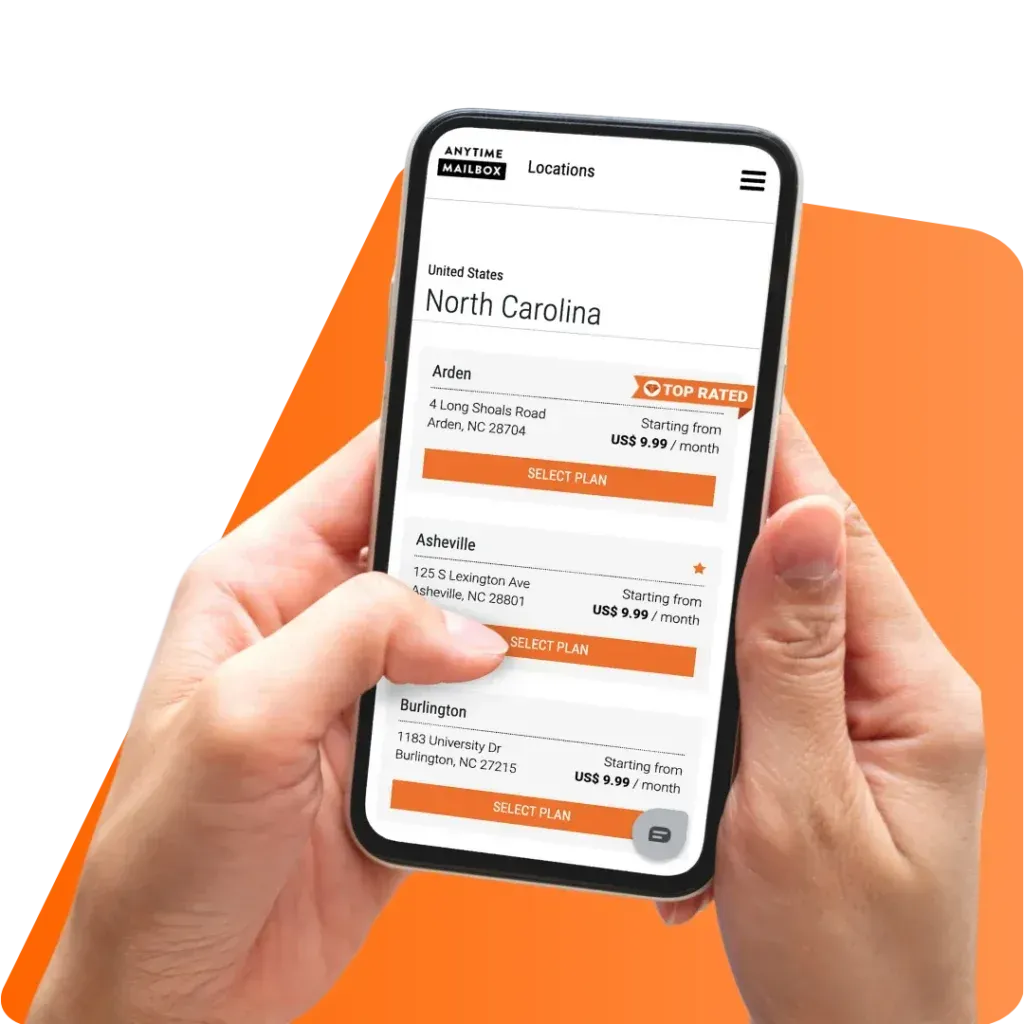
Virtual mailbox location - preview of the buyer's new address

Virtual mailbox location - a preview of the buyer's new address

Your Name
Your Company Name
No address available

Showcase Co. logo

Component Showcase - every custom page section

LP Hero (from the old landing-page template): the location-aware hero. The Custom Page Hero at the top of this page is the newer, more flexible one.

Showcase Co. logo

Component Showcase - every custom page section

LP Hero, variant Full: the tall location-aware hero. The one above is variant Compact.

INFORMATIVE

Image + Features

Icon list

Icon list

Icon, title and text per item, beside the image.

Card grid

Card grid

3-column shaded cards - see Page-level options.

Column row

Column row

A divided horizontal row - see Section-level options.

Photo cards

Photo cards

2-column white cards with the item icon as a photo.

Mail forwarding with a virtual mailbox

Image + Features: Card grid with image

Icon list

Icon list

Icon, title and text per item, beside the image.

Card grid

Card grid

3-column shaded cards - see Page-level options.

Column row

Column row

A divided horizontal row - see Section-level options.

Photo cards

Photo cards

2-column white cards with the item icon as a photo.

Back to top

Image + Features: Icon list, image left

Mail forwarding with a virtual mailbox

An image or YouTube video with feature items. Four item layouts: icon list (this one), card grid, column row and photo cards - all three others appear further up this page.

Icon list

Icon list

Icon, title and text per item, beside the image.

Card grid

Card grid

3-column shaded cards - see Page-level options.

Column row

Column row

A divided horizontal row - see Section-level options.

Photo cards

Photo cards

2-column white cards with the item icon as a photo.

Image + Features: Icon list, image right

Mail forwarding service

An image or YouTube video with feature items. Four item layouts: icon list (this one), card grid, column row and photo cards - all three others appear further up this page.

Icon list

Icon list

Icon, title and text per item, beside the image.

Card grid

Card grid

3-column shaded cards - see Page-level options.

Column row

Column row

A divided horizontal row - see Section-level options.

Photo cards

Photo cards

2-column white cards with the item icon as a photo.

INFORMATIVE

Testimonial Grid

Quotes typed in Studio, in 2 or 3 columns. For real location reviews use the Reviews section instead.

“Typed-in quote number one. Authored testimonials suit campaign pages.”
Example Author, Studio
“Choose 2 or 3 columns on desktop; it stacks on mobile.”
Example Author, Studio
“Avatars are optional images.”
Example Author, Studio

TESTIMONIAL GRID - 2 COLUMNS

Testimonial Grid: 2 columns, left aligned

Quotes typed in Studio, in 2 or 3 columns. For real location reviews use the Reviews section instead.

“Typed-in quote number one. Authored testimonials suit campaign pages.”
Example Author, Studio
“Choose 2 or 3 columns on desktop; it stacks on mobile.”
Example Author, Studio
“Avatars are optional images.”
Example Author, Studio

TESTIMONIAL GRID - DARK

Testimonial Grid: dark background

Quotes typed in Studio, in 2 or 3 columns. For real location reviews use the Reviews section instead.

Typed-in quote number one. Authored testimonials suit campaign pages.
Example Author, Studio
Choose 2 or 3 columns on desktop; it stacks on mobile.
Example Author, Studio
Avatars are optional images.
Example Author, Studio

Feature grid (reused PDP module)

A grid of feature tiles with icons.

Mail Scanning

Package Forwarding

Check Depositing

Shred & Recycle

Feature grid: 4 columns

The same tiles, variant 4-col. The one above is 3-col.

Mail Scanning

Package Forwarding

Check Depositing

Shred & Recycle

Common features (reused PDP module)

Feature categories, each with a short list.

Mail Handling

  • Mail scanning
  • Mail forwarding
  • Package acceptance

Business Tools

  • Real street address
  • Check depositing
  • Digital archive

Common features: expanded

Variant Expanded. The one above is Compact.

Mail Handling

  • Mail scanning
  • Mail forwarding
  • Package acceptance

Business Tools

  • Real street address
  • Check depositing
  • Digital archive

Why join (reused module)

Real street address, not a PO Box
Access your mail from anywhere
Bank & government approved

Why join: centered

Real street address, not a PO Box
Access your mail from anywhere
Bank & government approved

How it works (reused module) - adding a section to a custom page

Numbered steps. These three describe how editors build a page like this one.

  • Add a section

    In Studio, Sections > Add. The menu is grouped: Purchase, Product, Campaign, Organization, Informative, Generic.

  • Fill it in

    Name products and campaigns, never prices - those come from Billing.

  • Set Anchor ID and Hide

    Give it an anchor so buttons can link to it, or hide it until it is ready.

How it works: vertical steps

Numbered steps. These three describe how editors build a page like this one.

  • Add a section

    In Studio, Sections > Add. The menu is grouped: Purchase, Product, Campaign, Organization, Informative, Generic.

  • Fill it in

    Name products and campaigns, never prices - those come from Billing.

  • Set Anchor ID and Hide

    Give it an anchor so buttons can link to it, or hide it until it is ready.

Why Get a Mailing Address in

, 's business capital, is an attractive destination for entrepreneurs looking to expand their market reach. With a thriving economy, a wide range of industries, and a strategic location in , this region presents businesses with many opportunities for growth.

By setting up a virtual mailbox address in , you get to call 's top-performing region home. It is a prime spot for accessing markets in the Asia-Pacific region and is a top destination for investors.

With a Virtual Mailbox address in , your business can tap into business opportunities and world-class markets.

Advantages of a Business Address

Key Sectors

A wide range of industries including technology, finance, tourism, and manufacturing offer a wealth of opportunities for business growth.

Market Access

, located in the southeastern region of , provides businesses of any size domestic and international market access.

Supportive Policies

offers grants, subsidies, mentorship programs, and access to resources to support small businesses and startups.

How Virtual Mailbox Works

Select a Address

Select a real street address and subscription plan by browsing our list of locations.

We Receive Your Mail

Have your mail and packages delivered to your address. We upload a photo of the mail items to the app.

Tell Us What To Do

Request to open and scan, shred or recycle, or forward your mail items. You can also set a schedule for local pickup.

Thousand trust Anytime Mailbox

Plans start at $9.99

Person checking phone

Custom Section

Free-form body text, an optional image and a button.

Use it for anything the other sections do not cover: an announcement, legal copy, a partner message.

Back to top

Custom Section: text + image

Free-form body text, an optional image and a button.

Use it for anything the other sections do not cover: an announcement, legal copy, a partner message.

Back to top
Mail forwarding with a virtual mailbox
Shared Link (generic): one link, here to the public locations page. Links must be full URLs.