

How to Forward Business Mail to Multiple Locations Automatically
UnknownDec 12, 2025

Picture this. An important contract lands in the mail, only it goes to the wrong office, sits unopened for days, and now your team is scrambling for approvals.
If your business is remote, hybrid, or you do business across multiple cities or time zones, this may sound a bit too familiar.
Traditional mail was built for just one address. Modern teams are not. And that gap is exactly why automating how you forward business mail matters.
This guide breaks down how multi-address forwarding and mail routing work, and how to set it up without turning mail into another thing your team has to babysit.
When Multi-address Routing is Needed
Remote teams, agencies, franchises, and startups rarely operate from a single place. In other words, you might have:
Legal documents sent to headquarters.
Client mail forwarded to account managers.
Vendor invoices that should go straight to finance.
And when everything lands in one mailbox, problems pile up fast.
Mail gets opened late.
Documents sit waiting for approval.
Someone forwards a photo in Slack and hopes it’s enough to assure everything gets handled.
Multi-address routing fixes this by sending mail to the right people automatically, instead of relying on memory or manual sorting.
How Forwarding Automation Works

Mail forwarding automation starts with one central hub, often a virtual mailbox. Here’s the basic flow:
Mail arrives at a secure business address.
Each piece is scanned and logged digitally.
Rules decide where it goes next.
Mail is forwarded, scanned, or shared automatically.
No guessing. No bottlenecks. Just predictable mail routing that matches how your business actually works.
Setup Decisions to Make Upfront
Before you build rules, you need clarity. This step saves time later.
Who Handles What?
Decide which staff members or teams receive specific types of mail. Finance, legal, operations, leadership. Keep it simple.
Departments or Functions?
Some mail belongs to a department, not a person. This works well for shared inboxes and rotating teams.
Urgency Level?
Not all mail is equal. A tax notice should move faster than a promotional letter. Decide what needs immediate attention.
Rules for Smart Mail Routing
This is where automation really shines. You can route mail based on:
Location: Send mail to the nearest office or regional team.
Recipient Name: Mail addressed to specific people goes straight to them.
Keyword Tags: Words such as “invoice,” “contract,” or “legal” automatically trigger routing to the proper department.
Once rules are set, your system does the sorting for you, and if you need to update or fine-tune the rules you set, you may do so at any time.
Step-by-step Setup Guide
Here is a simple way to get started.
Choose a virtual mailbox that supports forwarding automation.
Create user profiles for staff or departments.
Define routing rules by name, keyword, or location.
Set urgency options for scanning or forwarding.
Test the workflow with sample mail.
Adjust rules as your team grows.
Most teams finish setup faster than expected, especially once roles are clearly defined.
Best Practices for Remote Mailrooms
To keep things running smoothly:
Review routing rules quarterly.
Limit who can change automation settings.
Use consistent naming and tagging.
Train new team members on how mail flows.
Track turnaround time for approvals.
Think of your virtual mailroom like other business software. It works best when it’s reviewed periodically and updated as the business evolves.
Let Your Mailbox Do the Work
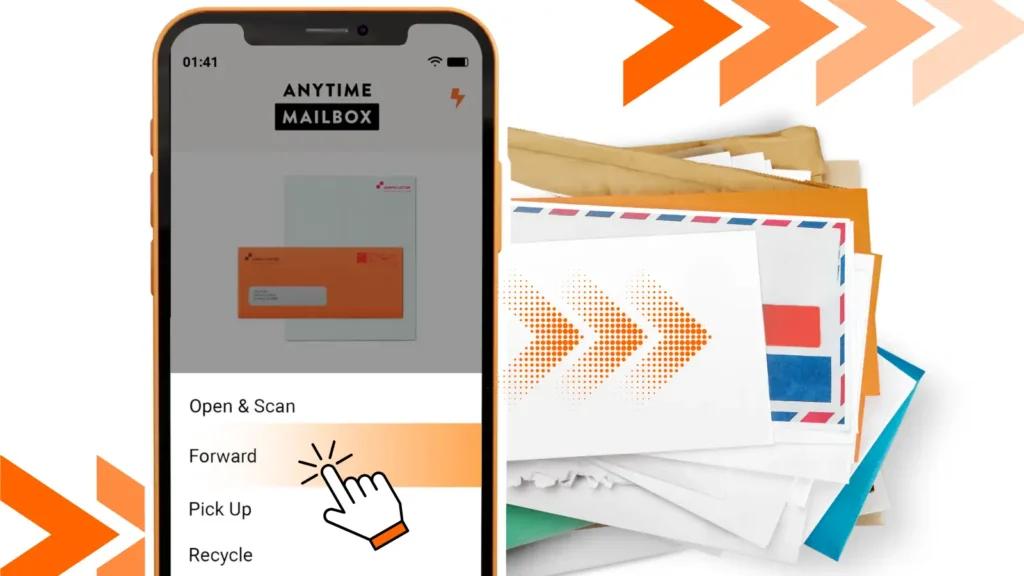
Automated mail routing turns physical mail into a background process instead of a daily headache. With a virtual mailbox that supports multi-address forwarding and smart mail routing, everything gets where it needs to go without manual handoffs.
And a virtual mailbox service such as Anytime Mailbox helps teams centralize mail and auto-route it so approvals move faster and nothing slips through the cracks.
If your business is remote, growing, or geographically spread out, your mail can easily be just as flexible with a virtual mailbox service.